In your Role Center
Open relevant reports within your personal workspace and keep an overview of the metrics that matter to your role.

Microsoft Power BI connects data, reveals relationships, and brings your metrics into everyday work. Together, we build reports that help leadership and operational teams answer their questions on a consistent, understandable basis.
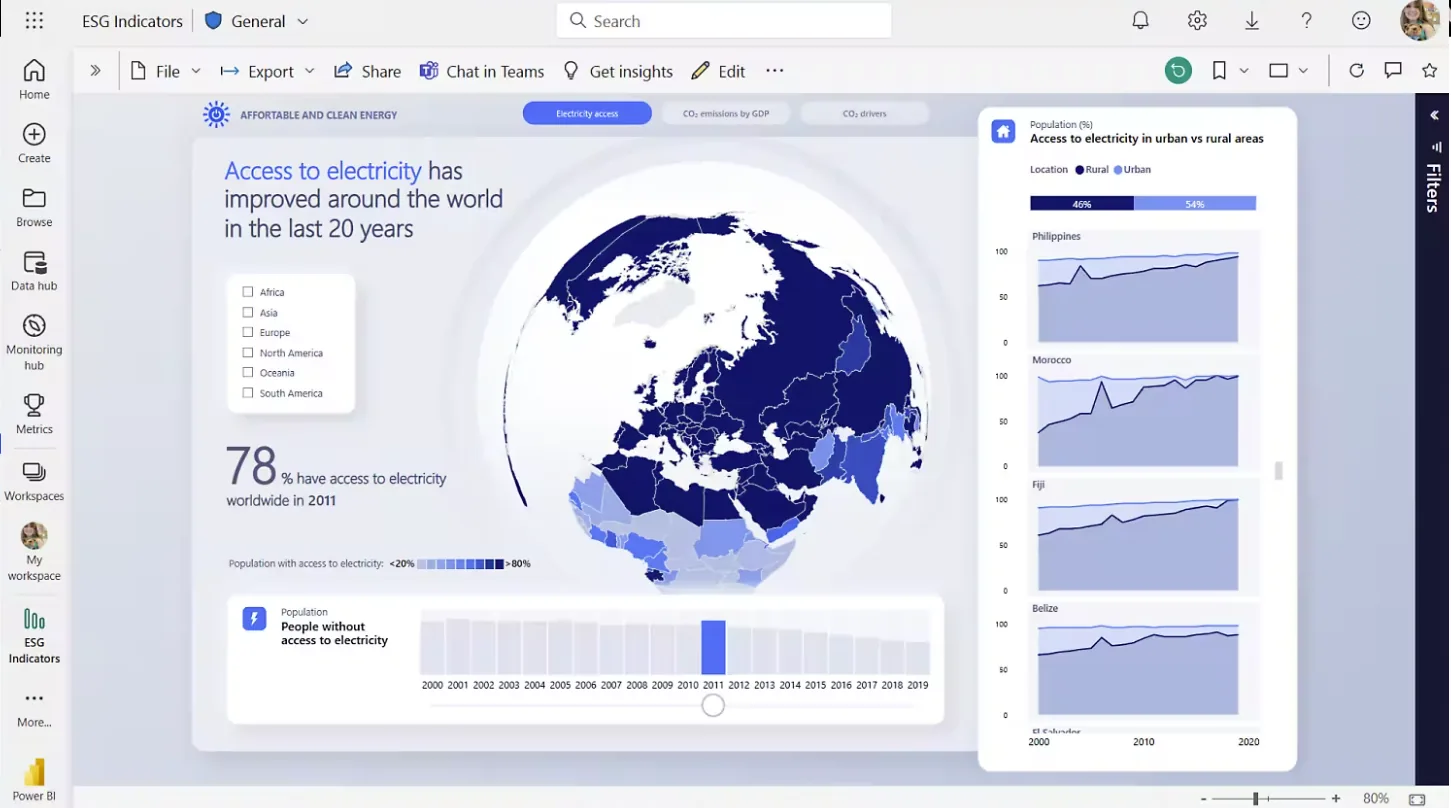
Use Power BI where you work every day: embedded reports can appear in the Role Center and on supported Business Central list pages. Add an accessible analytical view alongside your operational data.
Open relevant reports within your personal workspace and keep an overview of the metrics that matter to your role.
On supported list pages, an appropriately configured report can filter to the selected record, such as an item.
Explore reports interactively and use the Power BI service for more extensive analysis. Embedded reporting complements your everyday workflow.
Microsoft provides ready-made reporting apps for areas including finance, sales, purchasing, inventory, manufacturing, and projects. We help you assess which reports fit and where your own metrics or extensions call for additional analysis.
Explore Microsoft reporting appsWe start with your decisions and processes. From there, we define meaningful metrics, suitable data models, and reports your teams will actually use.
How are profitability and liquidity developing? Which budget variances deserve attention?
Which customers, items, and markets contribute to your results? Where are revenue and margins changing?
Where is cash tied up in stock? Which inventory and purchasing trends need a closer look?
How can metrics from different sources be compared meaningfully? We work with you to agree on definitions and reporting logic.
Business Central Online provides interfaces for Power BI. We select suitable APIs and add other sources where needed, with clear rules for data quality and modeling.
Depending on the setup, report data refreshes manually or on a schedule. We align data freshness with your working rhythm; embedding a report does not automatically make it real-time.
We plan permissions, sharing, and Power BI licensing around your use case. A Business Central license alone does not cover every Power BI scenario. On-premises requires additional setup.